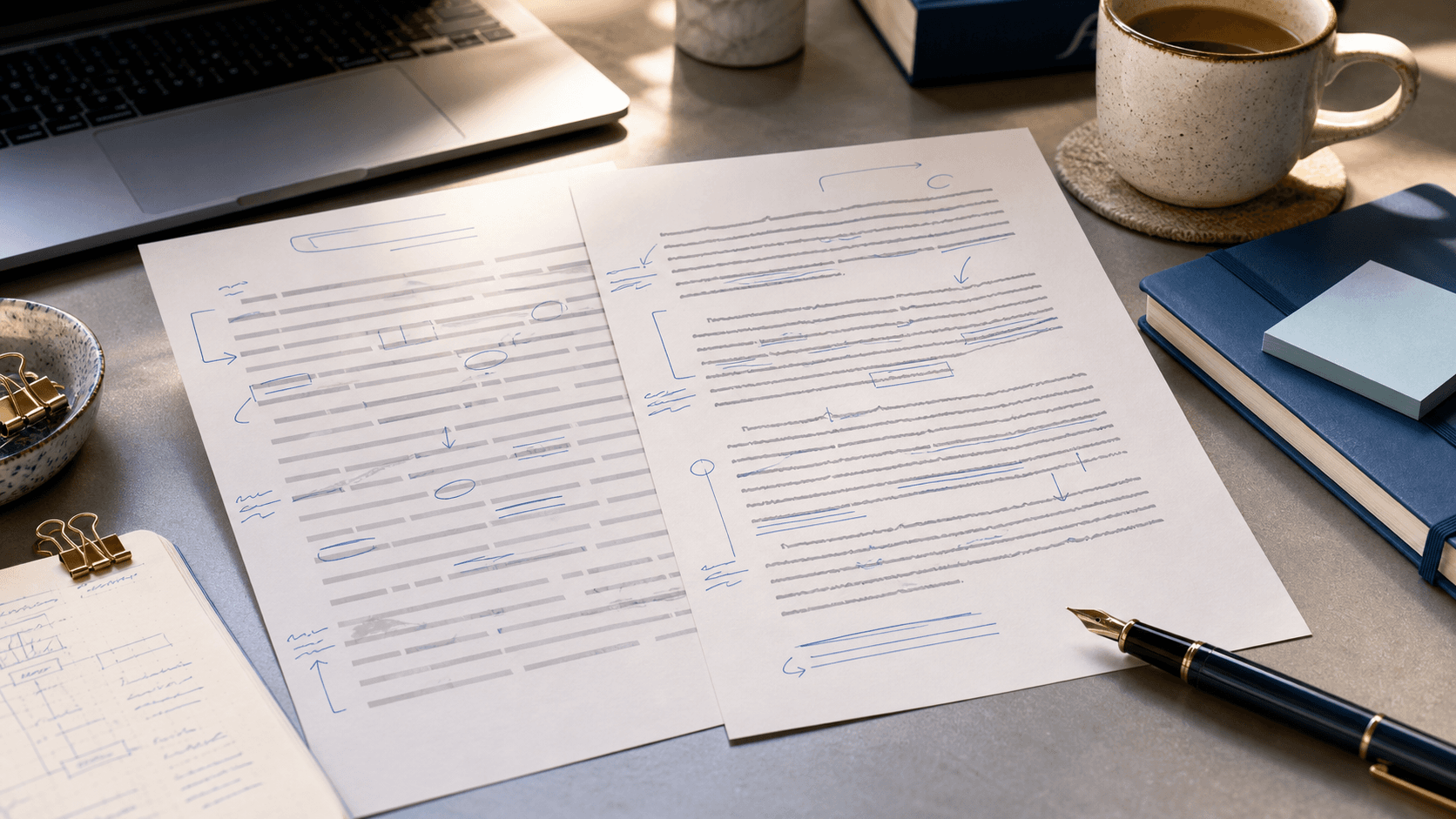
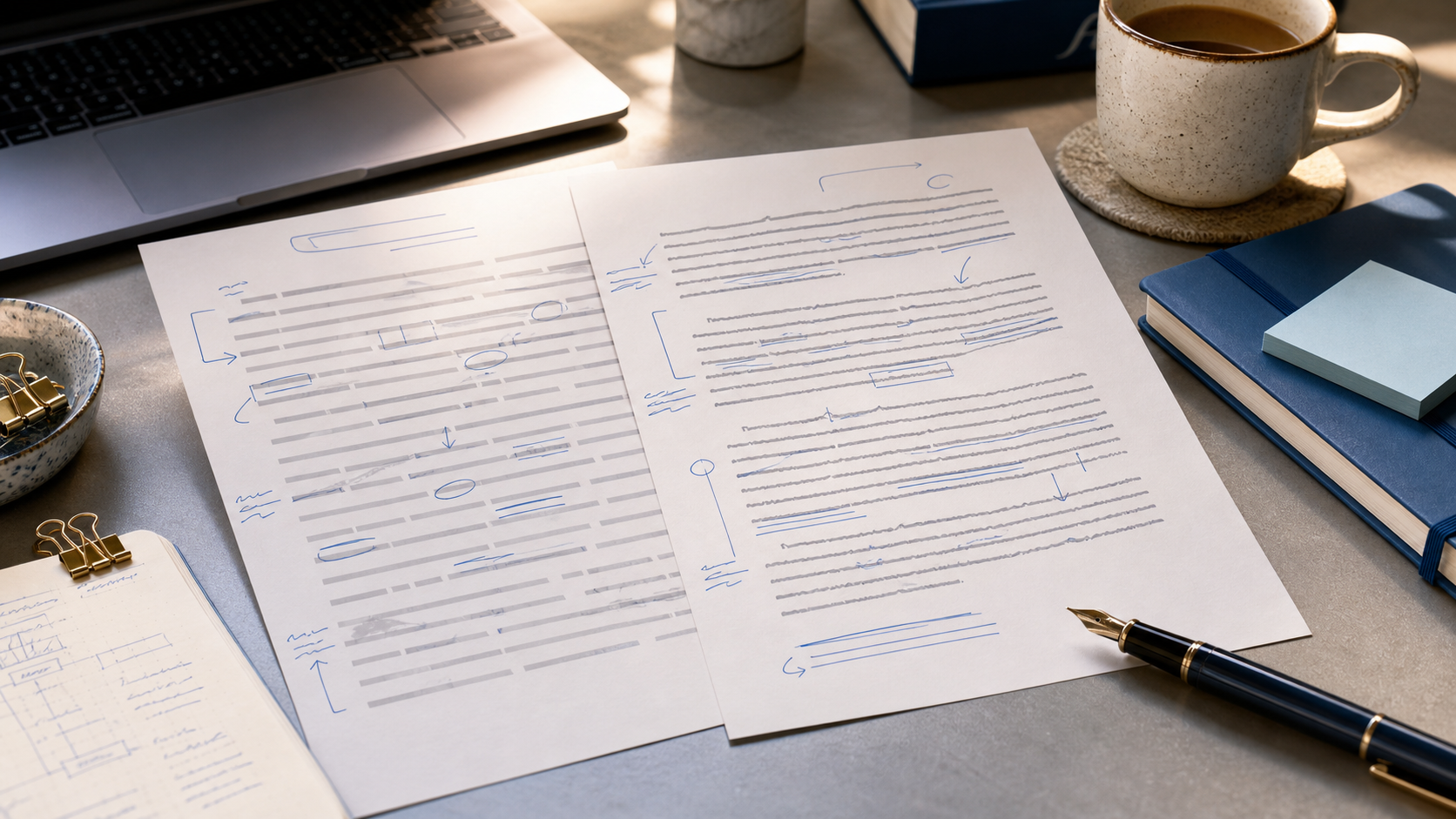
One-click “humanizers” often swap ChatGPT’s voice for a second generic voice. Humanize AI text without losing your voice means protecting the lines that already sound like you, fixing only the robotic ones, and putting your examples back in before you submit.
SERP guides agree on layered edits — cut stock transitions, vary sentence length, add specifics — but most stop at tone tips. This playbook is operational: tag paragraphs, clean paste, run a meaning-locked pass on Fix blocks only, then re-inject you with before/afters you can copy.
Pair with why AI writing sounds robotic for pattern names and how to edit an AI paragraph for block-level passes.
Key Takeaways
What “your voice” actually is (and is not)
Voice is not “kinda,” emoji, or deliberate grammar errors. It is a pattern of choice:
| Marker | Sounds like you | Sounds like ChatGPT |
|---|---|---|
| Transitions | “Still,” “That said,” “Even so” | “Moreover,” “Furthermore,” “In today’s digital age” |
| Nouns | Named policy, lab kit, chapter, dataset | “various factors,” “numerous stakeholders” |
| Hedges | “I’m not sure this generalizes” | “It is important to consider multiple perspectives” |
| Rhythm | Long → short punch | Mid-length sentences stacked evenly |
| Judgment | Take lands early | Soft claim buried in a passive close |
Spend two minutes listing your markers from an old essay or notes. Without that list, a humanizer replaces AI averages with different averages.
Step 1 — Tag every paragraph: Keep / Fix / Replace
Read once. Do not edit yet. Label each block:
- Keep — already has your detail or tone
- Fix pattern — idea is yours; phrasing is machine
- Replace content — claim you never believed or cannot defend
Only humanize Fix. Full-document rewrite is how voice disappears.
Worked labels on one short draft:
"Keep: “Our county’s 2021 flood map still used 1998 elevation data — that alone made the insurance fight feel rigged.”
"Fix pattern: “Furthermore, climate policy affects numerous stakeholders across diverse sectors.”
"Replace content: “Technology has transformed education in many important ways.”
Ten minutes of tagging beats an hour of recovering your argument later.
Step 2 — Clean ChatGPT paste before voice work
Voice editing assumes you are changing visible words. Copied ChatGPT text can carry invisible Unicode watermarks that no amount of synonym swaps remove.
Run the draft through PassMyEssay as a ChatGPT watermark remover first — strip hidden characters — then use Phrase Detector so stock lines light up before you polish. Clean paste before style work so you are not refining text that still carries machine-origin residue.
Full paste sequence: how to humanize ChatGPT text.
Step 3 — Kill stock phrases surgically
Do not rewrite blind. Find-and-flag these, then delete or replace with your connector:
- delve / tapestry / landscape (metaphor) / embark / paradigm
- Furthermore / Moreover / In today’s digital age
- “It is worth noting that…” / “It is important to note…”
- Forced lists of three adjectives
- Em-dash stacks that read like a podcast script
Before (AI pattern):
"Moreover, the novel explores a rich tapestry of themes that resonate with diverse audiences on multiple levels.
After (your angle restored):
"The novel is really about debt — who owes whom, and whether forgiveness counts if the ledger still exists. That is the thread I kept losing in class until Chapter 19 made it explicit.
Same topic. Second version has your obsession, shorter bursts, no tapestry.
Step 4 — Humanize Fix blocks only, then re-inject you
On Fix paragraphs only: meaning-locked humanize so claims stay put while filler and rhythm move. Immediately run this voice re-injection checklist:
- Add one proper noun you would naturally use
- Restore one hedge or blunt opinion you use in speech
- Break one over-smooth sentence into two uneven ones
- Delete one sentence that only restates what you already said
Before (Fix block after tagging):
"It is essential to consider how remote learning impacts student engagement across diverse educational settings.
After (tool pass + re-injection):
"Zoom attendance looked fine on paper. What dropped was cold-call participation — in my section, from roughly half the room to three regulars by week six.
Meaning held. Voice returned. More pairs: AI humanizer examples.
Would you email this to a classmate?
If every line still sounds like a brochure, it is not your voice yet — even if grammar is perfect.
Step 5 — Stay academic without going generic
Students fear humanizing will make essays too casual. The fix is not more formality — it is specificity inside formality.
| Too AI (generic formal) | Too casual | Your voice (specific formal) |
|---|---|---|
| “Numerous studies indicate…” | “Lots of papers say…” | “Lin et al. (2022) found a 12% gap in…” |
| “It is essential to consider…” | “You gotta think about…” | “The syllabus weights participation at 30%, so…” |
| “In conclusion, this topic matters…” | “So yeah, it matters…” | “The policy fails where enforcement meets…” |
Voice and academic register coexist when empty authority becomes named evidence. International students: keep your formal register; drop template “Furthermore” stacks and tapestry metaphors — not by adding American slang. See why AI writing sounds robotic.
Full worked example: application paragraph
Before (full AI gloss):
"Throughout my academic journey, I have developed a passion for community service that has shaped my perspective and prepared me for future challenges in meaningful ways.
Tag: Replace content (empty claim) → rebuild from a real reason, then Fix pattern on any leftover gloss.
After:
"I started tutoring because my brother failed algebra twice — not as a résumé line, but because someone needed to explain slopes without making him feel stupid. That is still the part of teaching I care about: making the steps visible.
Still application-appropriate. Also recognizable as a person with a reason.
Voice traps (skip these)
- Fake casualness — “kinda” / “lol” erase real voice and often fail academic context
- Synonym cycling — important → crucial → vital keeps AI rhythm intact
- Over-editing Keep paragraphs — leave lines that already sound like you
- Skipping read-aloud — your ear catches corporate tone your eyes skim
When to restart instead of polish
If every paragraph is Replace and none of your sources appear, ownership is the problem — not phrasing. Restart from your outline; use AI for bullet expansion only. Or follow how to edit an AI paragraph.
Thesis-locked full-essay flow: humanize AI text without losing your voice.
Workflow summary
- Inventory your markers (transitions, hedges, naming habits)
- Tag Keep / Fix / Replace
- Paste through PassMyEssay — ChatGPT watermark remover + Phrase Detector
- Humanize Fix sections only; meaning locked
- Re-inject examples, names, and one blunt opinion
- Read aloud; restore one uneven sentence if everything feels too smooth
- Verify citations and course AI policy
Try PassMyEssay without flattening your voice
PassMyEssay is free to try — strip invisible ChatGPT watermarks, highlight AI-sounding phrases, and humanize with meaning locked. Remove the machine gloss, then add the details only you know.
Voice is not something a tool downloads for you. It is what you keep while the robotic layer comes off.
Keep Reading
Related guides
AI Humanizer Examples: 8 Before-and-After Paragraphs
Concrete AI humanizer examples with side-by-side ChatGPT-style drafts and human revisions — stock phrases named, claims preserved, ChatGPT watermarks cleaned.
AI Humanizer vs Paraphraser: Pattern Rewrite vs Word Swap
AI humanizer vs paraphraser: paraphrasers reword locally; humanizers reshape rhythm and stock patterns. Pick the right tool — then clean ChatGPT watermarks.
Best AI Humanizer for Essays (2026): Named Tools Compared
Which AI humanizer actually works on an essay — ranked on whether your thesis, citations and hedges survive the rewrite, not on bypass screenshots.
Humanizer for Scholarship Essays: Protect Your Story First
A protect-first guide to using a humanizer on scholarship essays—lock personal details, clean ChatGPT residue, and polish pattern without erasing the life reviewers fund.
Make your draft clearer
Use PassMyEssay to rewrite AI-assisted text responsibly, check weak sections, and keep your meaning intact.
Try PassMyEssay