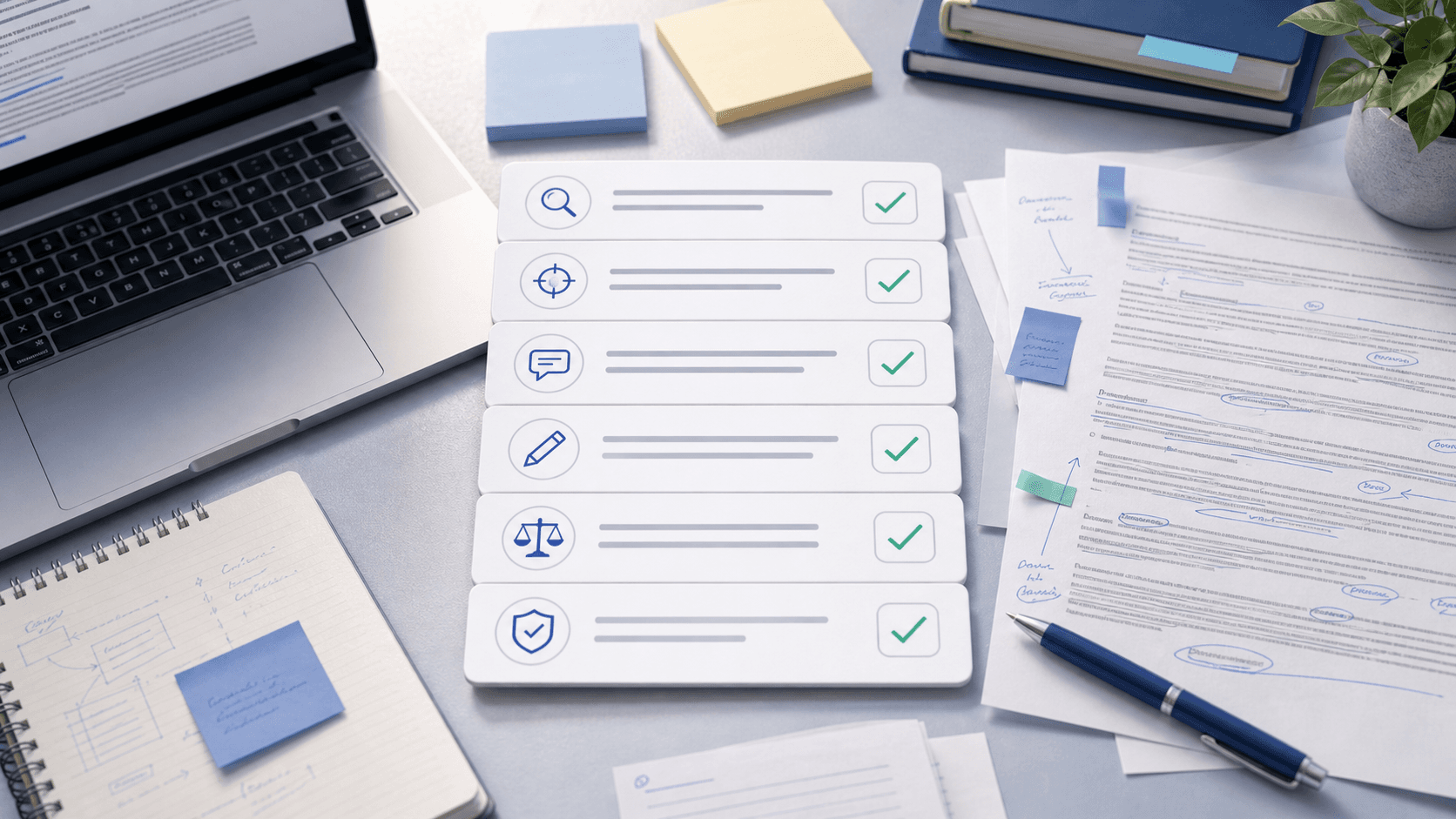
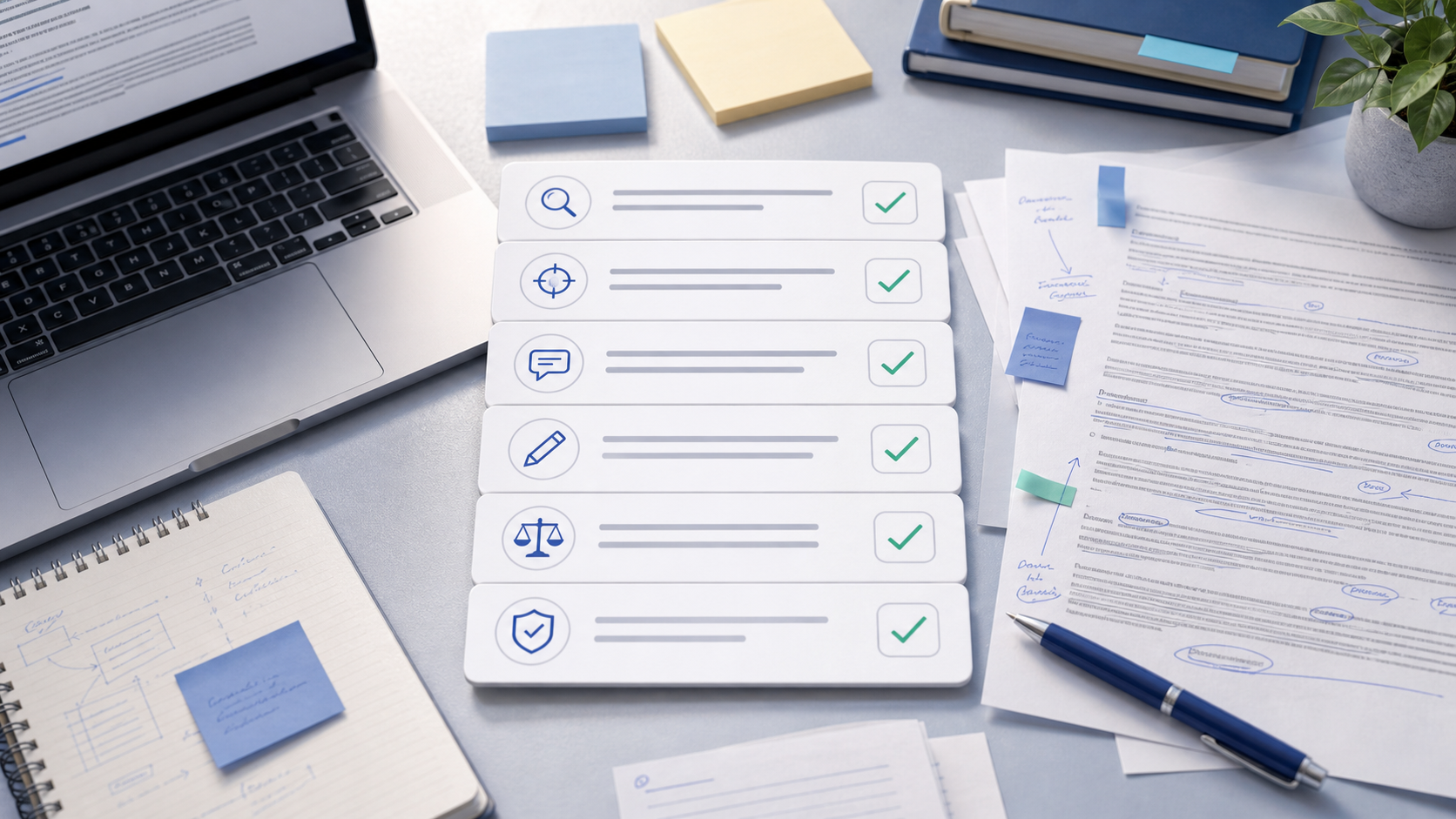
A detector flag is a documentation problem, not a second-detector contest. Instructors and integrity panels respond to a chronological packet—prompt, notes, drafts, version history, sources—far more than to “I got 8% elsewhere.”
This guide is the kit: what to gather, how to name files, fill-in templates, and how to walk one paragraph. Pair with how to read AI detector scores and AI detector false positives. Process evidence documents authentic work; it does not invent innocence for undeclared ghostwriting.
Key Takeaways
First 30 minutes (do this before you rewrite)
- Save the exact submitted file under a new name (
Final_as_submitted.pdf/.docx). Do not edit that copy. - Screenshot or export the flag notice—tool name if known, score, date, any highlighted passages.
- Ask in writing for the report details, the policy clause, the deadline to respond, and whether a meeting is available.
- Open a folder named
Authorship_Packet_[Course]_[Assignment]and start dropping evidence (templates below). - Do not mass-rewrite the essay to “beat” the detector before you meet. That erases the trail you need.
Evidence packet: what to include
| # | Artifact | What it proves | How to capture |
|---|---|---|---|
| 1 | Assignment prompt + rubric | You answered this task under these rules | LMS PDF / screenshot |
| 2 | Course AI policy excerpt | What was allowed vs banned | Syllabus page + date |
| 3 | Outline / planning notes | Thinking before fluent prose | Dated doc, photo of handwritten plan |
| 4 | Early messy draft | Uneven, human first pass | Named file or Docs snapshot |
| 5 | Version history | Time-stamped editing over days | Google Docs / Word / Overleaf export or screenshots |
| 6 | Research trail | Claims came from reading | Annotated PDFs, Zotero export, reading notes with pages |
| 7 | Feedback trail | You revised for people | Peer review, writing center, instructor comments |
| 8 | AI / tool log (if any) | Transparent permitted use | Prompt export + what you kept vs discarded |
| 9 | Cover note + timeline | Guides the reader through the folder | Use templates below |
| 10 | Submitted file + receipt | Exact text under review | LMS confirmation timestamp |
Skip items you never created—do not fabricate them after the flag. Retroactive midnight “drafts” look worse than an honest thinner packet.
Folder naming template
Authorship_Packet_[COURSE]_[ASSIGNMENT]/
├── 00_Cover_Note.md
├── 01_Prompt_and_Rubric/
├── 02_AI_Policy_Excerpt/
├── 03_Outline_and_Notes/
├── 04_Drafts_Chronological/
│   ├── 2026-03-01_outline.docx
│   ├── 2026-03-03_draft1_messy.docx
│   ├── 2026-03-07_draft2_after_feedback.docx
│   └── 2026-03-10_final_as_submitted.docx
├── 05_Version_History_Screenshots/
├── 06_Sources_and_Annotations/
├── 07_Feedback/
├── 08_Tool_Log_if_any/
└── 09_Detector_Notice/
Name drafts with dates first. Chronology is the argument.
Timeline template (paste into the cover note)
Writing timeline — [Course] / [Assignment title]

[DATE]  Received prompt; saved rubric
[DATE]  Research: annotated [N] sources (see folder 06)
[DATE]  Outline / thesis options saved
[DATE]  Draft 1 started in [Google Docs / Word / Overleaf]
[DATE]  Draft 2 after [peer review / writing center / instructor notes]
[DATE]  Citation check and final polish
[DATE]  Submitted via LMS (receipt attached)
[DATE]  AI / tools used (if any): [tool] for [task only] — see folder 08
Uneven sessions across several days read human. One overnight leap from blank to polished does not—whether or not AI was involved.
Source-to-sentence table (walk one flagged paragraph)
Pick the paragraph the report highlights (or ask which one concerns them). Fill one row per claim:
| Claim in my essay (quote) | Source (author, year, page/URL) | Where it appears in my notes | Draft stage when I added it |
|---|---|---|---|
| “…” | Smith 2024, p. 41 | Highlight in PDF + note dated … | Draft 1 → strengthened in Draft 2 |
| “…” | … | … | … |
In the meeting, narrate: outline bullet → draft wording → citation add → final. If you can explain why each sentence exists, authorship becomes credible. For outline habits, see turn AI notes into an essay outline.
Cover note template (1 page)
Subject / header: Process packet for [Assignment] — AI indicator follow-up

Dear Professor [Name],

I understand my submission was flagged by an AI writing indicator. I wrote this assignment myself and have attached a chronological authorship packet so you can review how the paper developed.

Included:
1. Assignment prompt and rubric
2. Course AI-policy excerpt
3. Outline / planning notes dated [DATE]
4. Drafts in order ([DATE range])
5. Version-history export / screenshots from [Docs / Word / Overleaf]
6. Annotated sources for claims on pages [X–Y]
7. [Peer / writing-center / instructor] feedback, if any
8. Tool log (if applicable): [what I used and for what]
9. Exact submitted file and LMS receipt

I am happy to meet and walk through any flagged paragraph from notes to final version. Please let me know the preferred next step and deadline.

Best regards,
[Name]
[Student ID]
[Course / section]
Change every bracket to match the truth. False disclosure collapses the whole packet. For wording patterns, use the student guide to AI disclosure.
Short email (when attaching the packet)
Subject: Process materials for [Assignment] — AI indicator follow-up

Dear Professor [Name],

Thank you for flagging the AI indicator on my essay. I have attached a chronological process packet (outline, drafts, version history, source notes, and cover note).

I would welcome a short meeting to walk through any passages of concern.

Best,
[Name]
Meeting script (5–7 minutes)
- Confirm scope: “Which passages or the overall score are you weighing?”
- Open the timeline: research → outline → draft 1 → revision → submit.
- Walk one paragraph with the source-to-sentence table.
- Show version history for that section (scroll the dates; do not narrate every keystroke).
- Disclose tools exactly: brainstorming only, grammar only, or paste cleanup—match policy.
- Ask for next step: revise for substance, accept packet, or formal review path and deadline.
Stay factual. Debating that “all detectors are useless” rarely helps; offering process does. More context for instructors: how AI detectors work.
If you used PassMyEssay, say it plainly
PassMyEssay is a ChatGPT watermark remover and phrase cleaner for paste hygiene—not a ghostwriter:
- Removes invisible Unicode left in copied chat text
- Softens stock AI transitions
- Meaning lock keeps claims and citations stable while you review
Sample disclosure line for the tool log / meeting:
"I pasted brainstorm notes from ChatGPT into my working document. Before outlining, I ran those notes through PassMyEssay on the homepage to remove hidden characters and generic phrasing. I wrote the essay from my outline and sources. Attached: outline, Docs history, cleaned notes, and my manual edits after the tool pass.
Show your review after the pass, not blind trust in output. That framing matches responsible AI writing for students.
If use went beyond policy
A polished packet cannot erase undeclared generative drafting. Early honesty with the instructor or integrity office beats denial. Ask what remediation or resubmission paths exist; revise for substance if offered. This guide supports documenting authentic work and transparent permitted workflows—not fabricating innocence.
Prevention checklist (build while you write)
- Outline saved before drafting
- Sources annotated when you read them
- “v1_messy” draft labeled the day you start
- Work in Google Docs, Word Online, or Overleaf so history exists
- Revision notes after feedback
- Disclosure drafted at submit if required — AI writing policy for students
- Pre-submit clarity pass — AI essay revision checklist
International students: extra process files help when ESL false positives hit formal prose.
Weak evidence (skip these)
- Screenshots of another detector showing 0%
- One polished final with no history
- Disclosure that contradicts the prose
- Folders of “drafts” all timestamped the same midnight after the flag
Strong evidence is messy progression over days. Weak evidence is theater.
When to escalate
If you presented a clear packet and still face automatic penalties with no human review, contact writing-center leadership, international student services (for ESL bias patterns), or a student advocate / ombudsperson. Ask for the formal appeal path and whether new evidence windows apply—some schools only accept materials submitted at the first response.
Bottom line
Freeze the submitted file, build a chronological authorship packet, and lead with templates—not counter-percentages. Walk one paragraph from notes to final. Disclose allowed AI and any PassMyEssay ChatGPT watermark cleanup on / honestly. Process evidence is the practical reply when honest writing meets imperfect detectors—and the habit worth building before the next deadline.
Keep Reading
Related guides
Future of AI Detection and Writing: What Survives the Next Five Years
Where AI detection and student writing are headed: classifier lag, hybrid drafts, provenance experiments, process assessment, and ChatGPT paste hygiene that still matters.
AI Plagiarism vs AI Detection: Two Checks, Two Different Answers
Plagiarism checkers match your text to sources. AI detectors estimate machine-like patterns. Same dashboard ≠ same question — and a clean similarity score does not clear an AI flag.
ChatGPT Essay Writing Guide: Ethical Steps That Actually Help
Practical ChatGPT essay writing guide: clarify prompts, outline from your notes, verify sources, get paragraph feedback — plus watermark cleanup before you draft.
AI Essay Revision Checklist: Tick Every Box Before You Submit
Printable AI essay revision checklist: prompt fit, reverse outline, citation audit, ChatGPT paste cleanup, voice, detectors, and disclosure — in order.
Make your draft clearer
Use PassMyEssay to rewrite AI-assisted text responsibly, check weak sections, and keep your meaning intact.
Try PassMyEssay